How To Make Panoramic Photos of Interiors

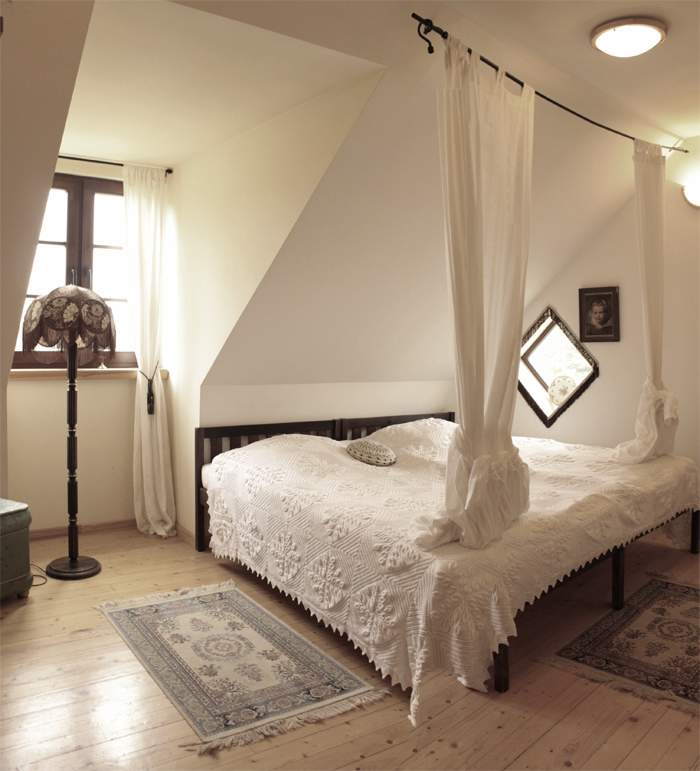
The ability to create wide, panoramic photos of spaces is essential if you have an interior design blog. So today I post a very short and easy tutorial about how I make it.
1) First of all, I set my camera on the manual mode. ISO value – 100 or 200. If you have tripod, don’t hesitate to use it – it will help you to stabilize your camera thus will prevent distortion of the images.
2) For panoramic photography you may use special wide-angle lenses, such as this one (click on the image to be redirected to Amazon):
However, I prefer to do it with my standard camera lens and the help of photoshop.
I make several vertical snapshots of the room, slowly turning around me.
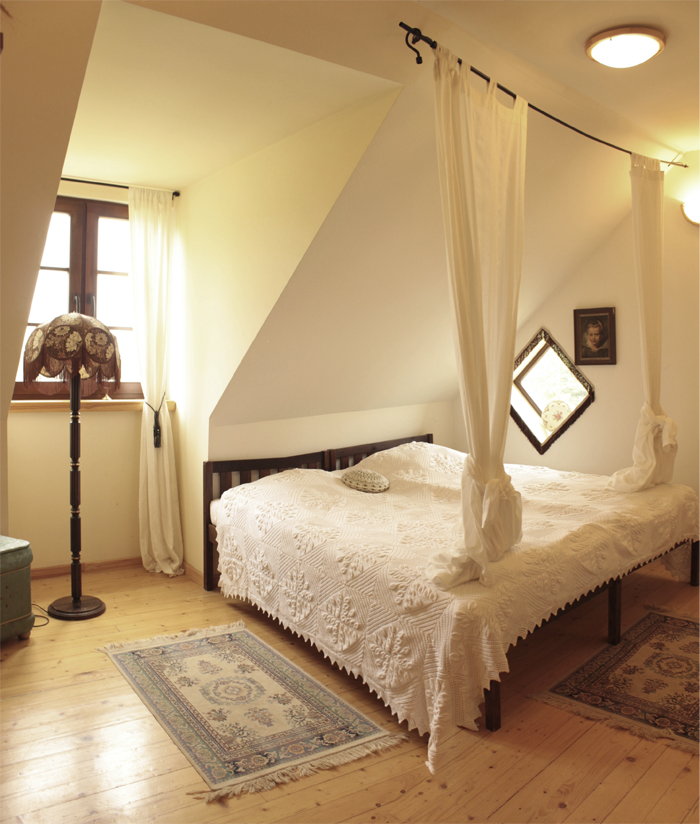
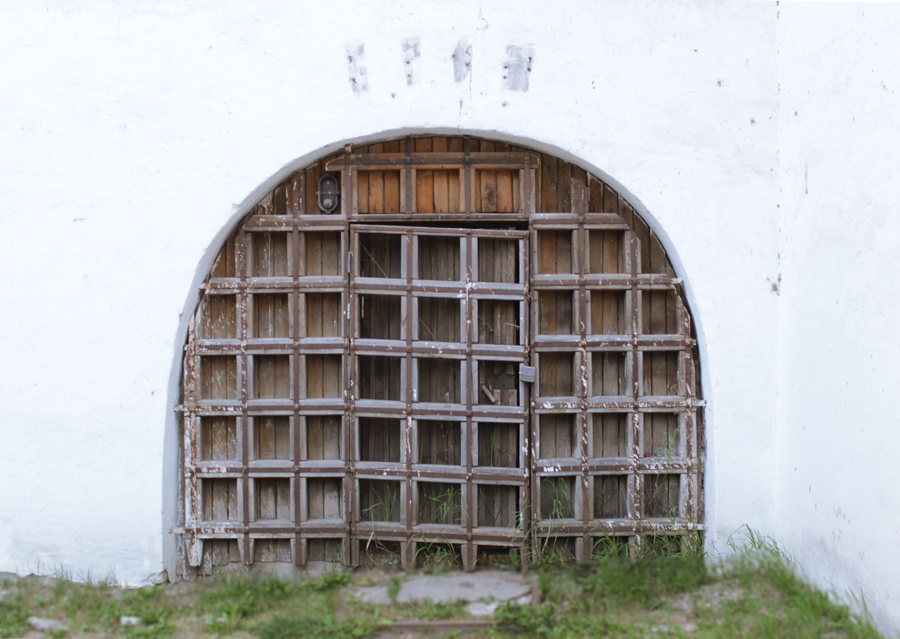
For example, when we were in Lithuania, I made the following photos of our room:
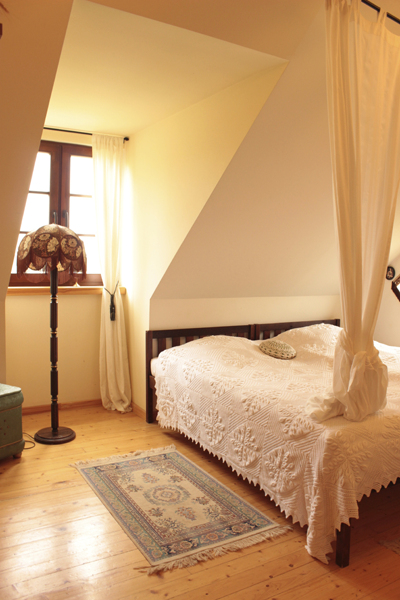
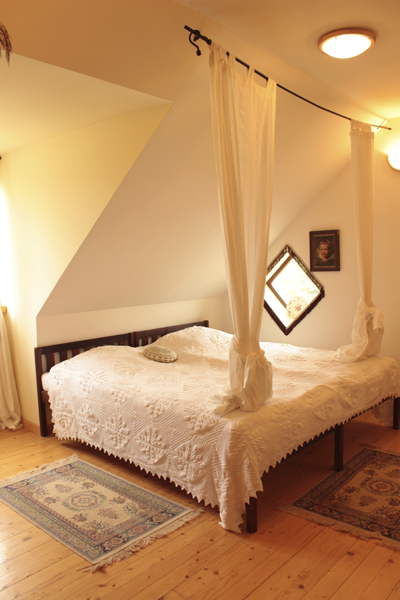
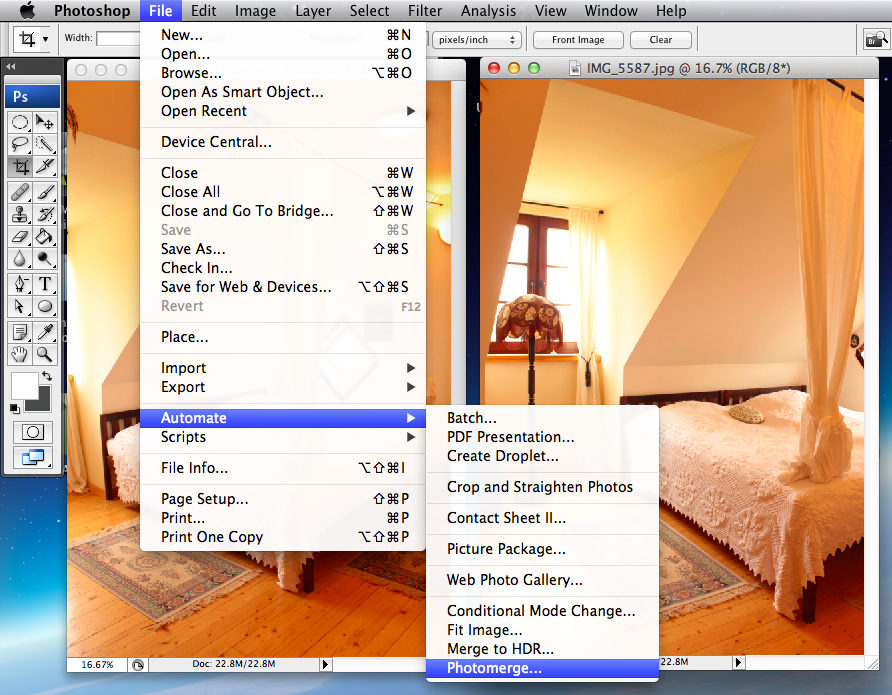
3. I opened these images in Photoshop and went to File – Autmate – Photomerge:
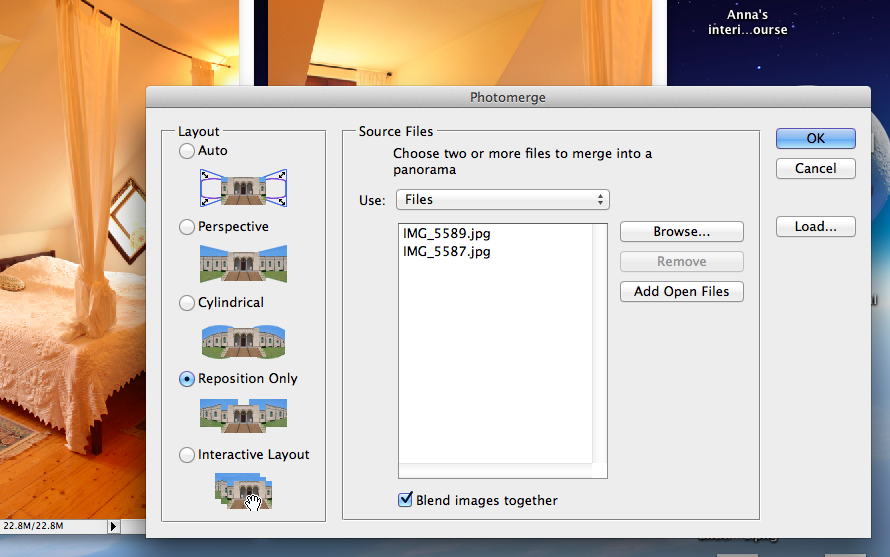
4. Click “Reposition Only” – “Add Open Files” – OK
 5. Now photoshop will merge photos together and all that is needed is to crop the image:
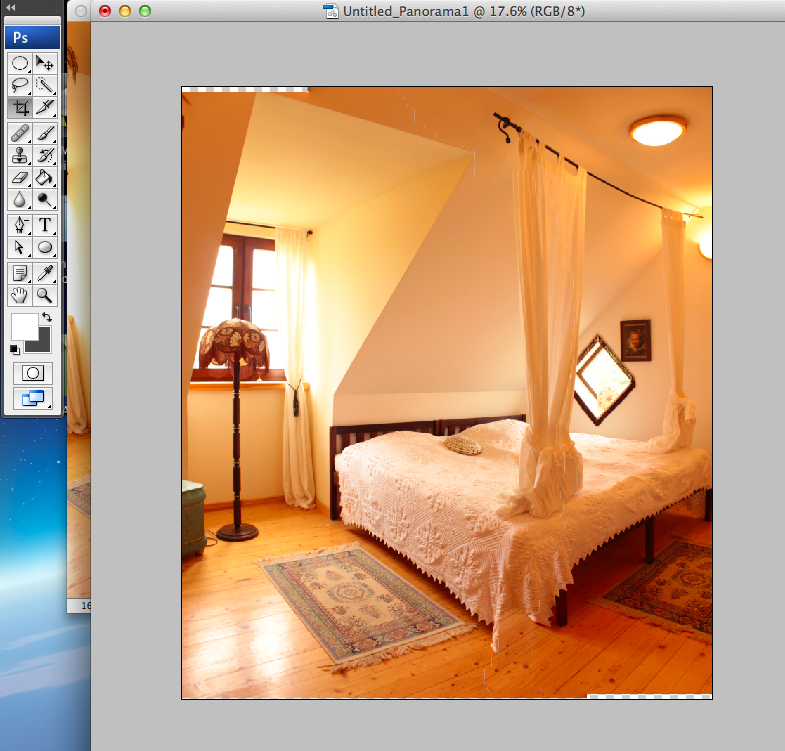
6. The photo looks a little bit reddish, so I went to Hue/Saturation and desaturated it a bit.
Also with the use of Curves function, I highlighted the contrasts and made the photo a bit brighter. Here is what I’ve got at the end: