How to Decorate Your Smart Home like a Pro

Choosing the right smart devices for your home can be tough. Making sure these devices blend well with your interior design is another, more complicated story. Aside from function, color and style, you also have to consider the best spot in your living room where you can place them. If you’re not a pro at this job, it can be relatively challenging.
However, although decorating your home with technology can be difficult, it doesn’t mean that it can’t be done. There are essential guides, like this one, that can help you make your home smarter but still stylish.
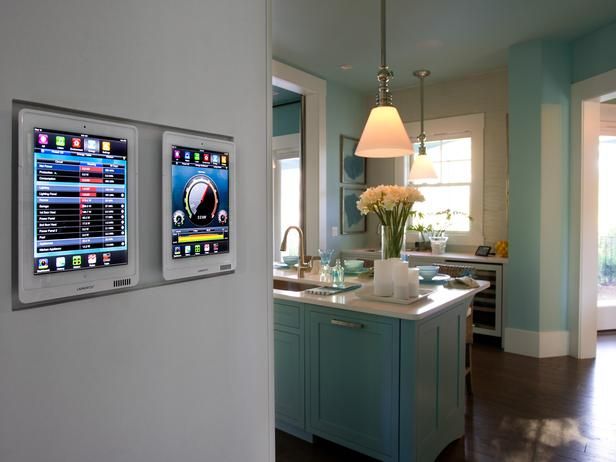
Select attractive items
If you want to enhance the beauty of your home, you should choose your items well. Most of today’s smart devices come in different colors and sizes. If you aren’t a risk taker, you can stick with the classic colors, such as black and white. These colors can easily match whatever design scheme you have for your home.
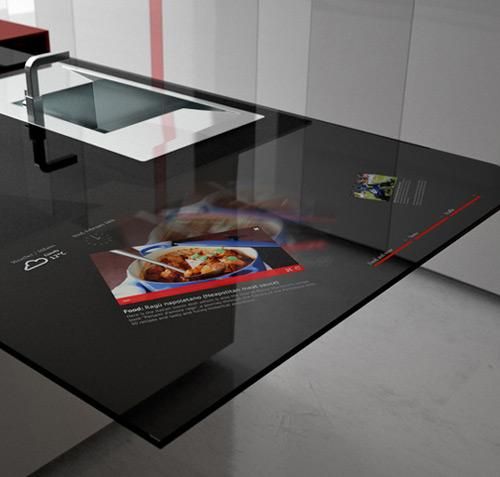
However, if you are bold enough to try something different, you can play around with various shapes and designs. There are devices that look discreet enough to be kept on a bookshelf while there are others that can really draw attention wherever you place them. Whichever piece you choose, just make sure it will complement the overall theme of your home.
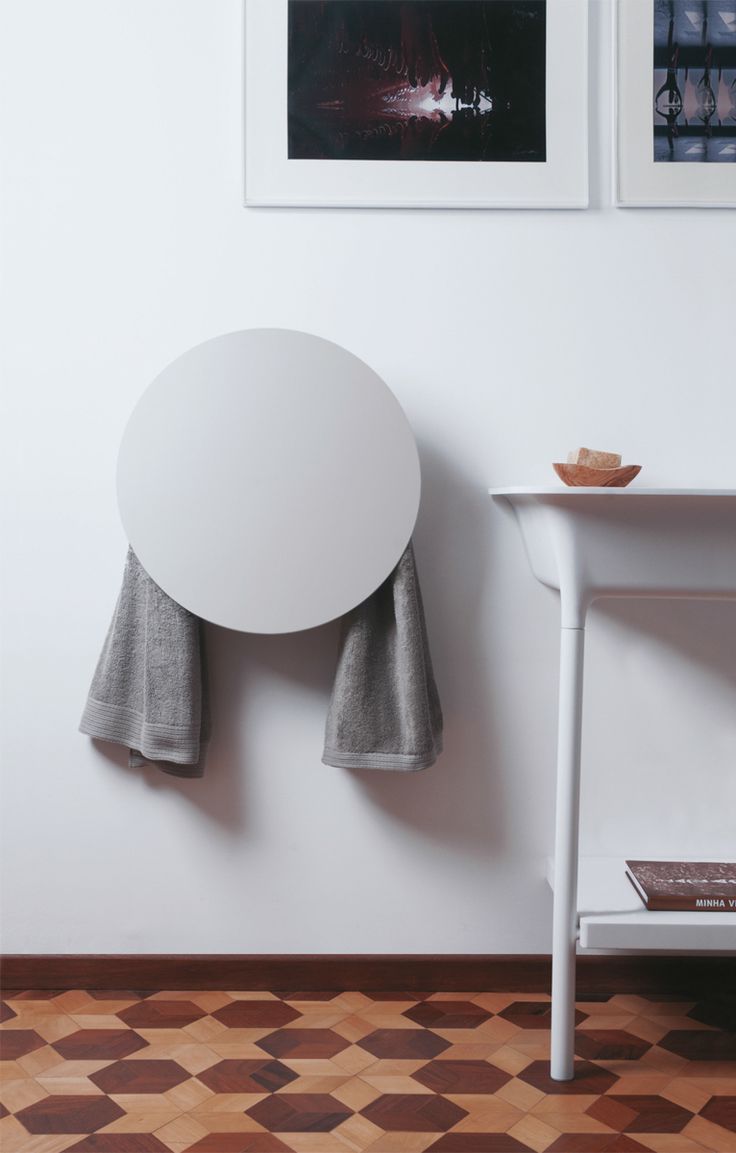
Pick wireless devices whenever you can
A wireless device means it’s portable. You can place it anywhere you want or carry it with you wherever you go. It also means freedom from tangled wires and ugly clutter. If you are styling your home, you wouldn’t want these cords stealing the limelight, right?
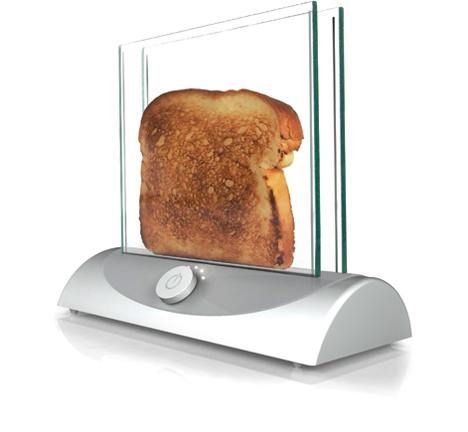
If going wireless isn’t an option, then you should be innovative in concealing wires. You can utilize furniture with back panels as well as carpets in hiding them. If you’re up for intense labor, you can manually mount wires using eyehooks under tables and cabinets. You can also paint wires in case you can’t move them away from your wall. Using conduits and wood paneling are also great options for keeping wires off of the floor.
Tuck away cluttered devices
Game consoles, remote controls and unused chargers should be kept away to make sure they won’t make a big pile of mess on your coffee table or kitchen counter. There are special wall mounts and cabinets that were actually created to provide extra storage space for these devices. You can purchase and install them at home to neatly tuck these devices away.
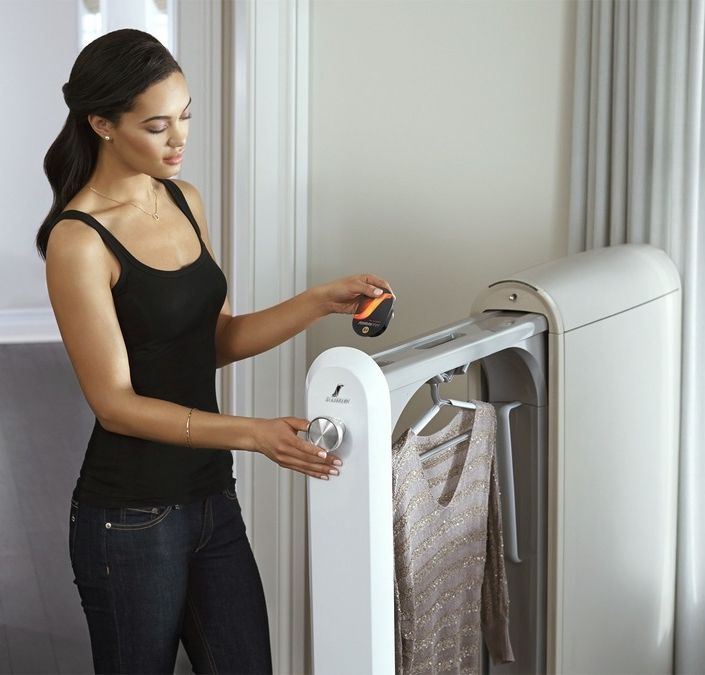
On the other hand, if you have a creative soul, there are several DIY projects that you can do to keep your home clutter-free. Old books, for example, can be crafted into a hiding box for your router or your remote controls. In case you have the resources, you can also build a charging cabinet where you can plug all your electronic gadgets or drawers under your staircase for added storage space.
Make your security system invisible
Most smart homes include surveillance systems. If your home already has one, you should be creative in making it discreet and unobtrusive. Showing potential burglars that your home is armed with a security system can be a good deterrent. However, you still don’t want them to know where you’re actually hiding your devices. Aside from this, making your security system less visible can also help you feel more secured and less paranoid.
Security cameras, for one, should be well-hidden. In fact, some of the best surveillance cameras today are designed to easily blend with any home decor. If you have this type of security camera, you can set it up on a shelf with your books and other figurines. Other people may not readily recognize that it’s a camera without seeing the device up close. On the other hand, there are other security cameras that are so small that they can actually fit into something else. If you have one of these, you can try installing them behind portraits, clocks or even your plants. No one else will ever know.
Invest in multi-functional devices
Buying multi-functional devices can help you save money and storage space. An all-in-one hub, for example, can monitor and connect all your smart devices at home. It can send you alerts about your home security, changes in your home’s temperature or even when your kid has already arrived home from school. Consolidated hubs can also mean less devices plugged to your router.
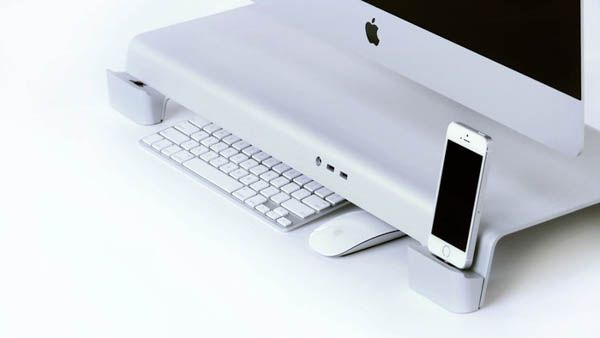
Aside from hubs, multi-functional smart lights can also add extra appeal to your home. They can set the ambiance by changing colors or acting as a night light when you’re off to bed. They can even be programmed to automatically turn on whenever you have visitors on your front door. Now, who doesn’t like that kind of welcome?